# Behaviors Component

<figure><img src="https://content.gitbook.com/content/v03IiZPaMe8fX49a9MnO/blobs/wYkw53ER3fDLZb8JTUcA/BehaviorsComponent.png" alt=""><figcaption></figcaption></figure>

## Using the Behaviors Component

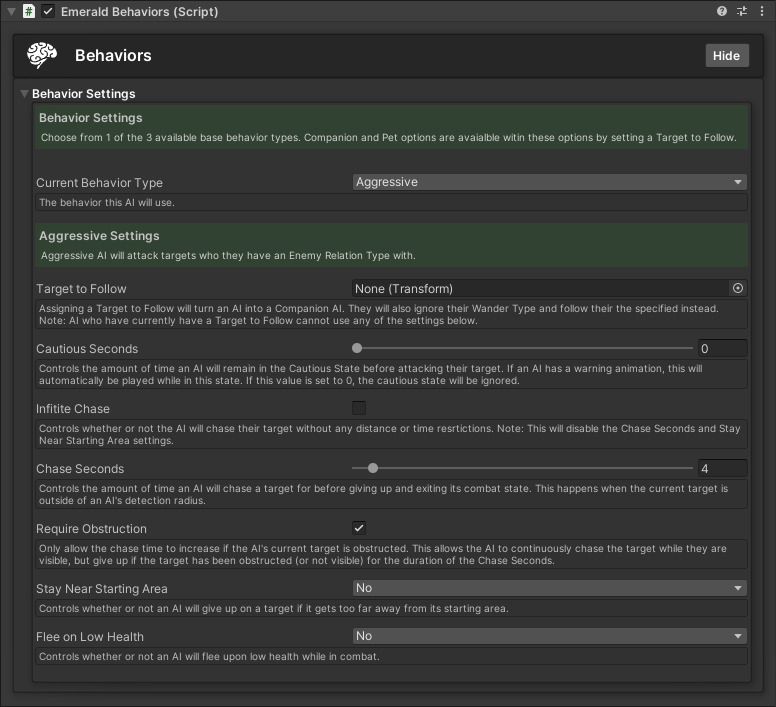
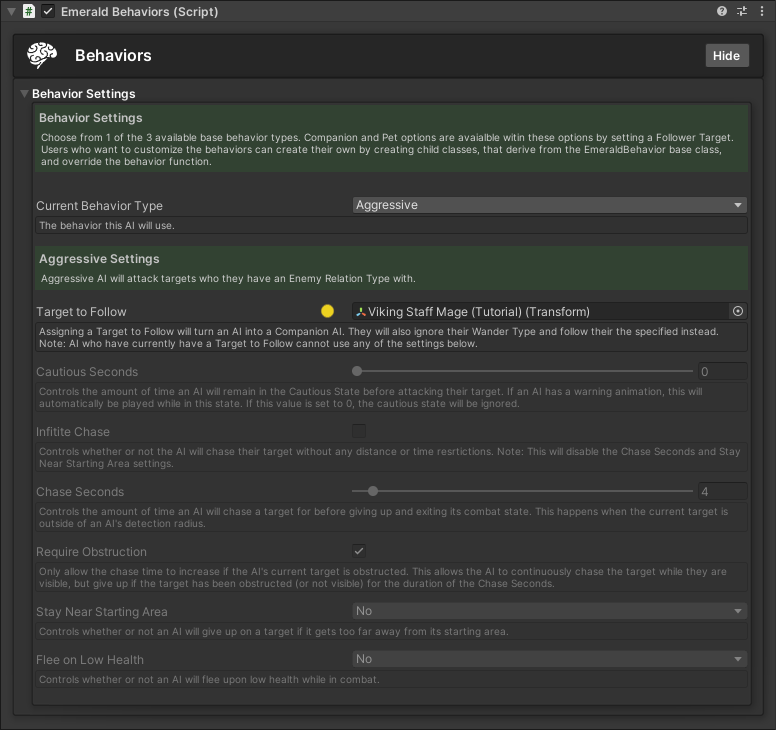
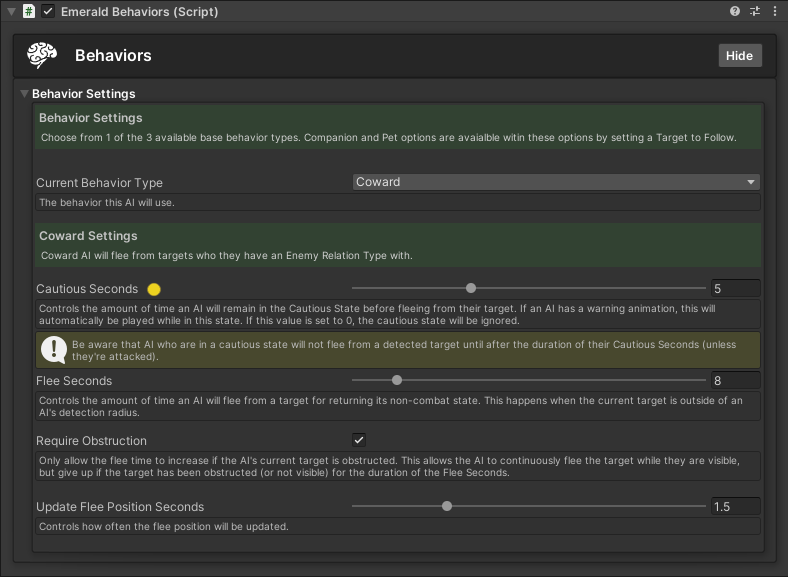
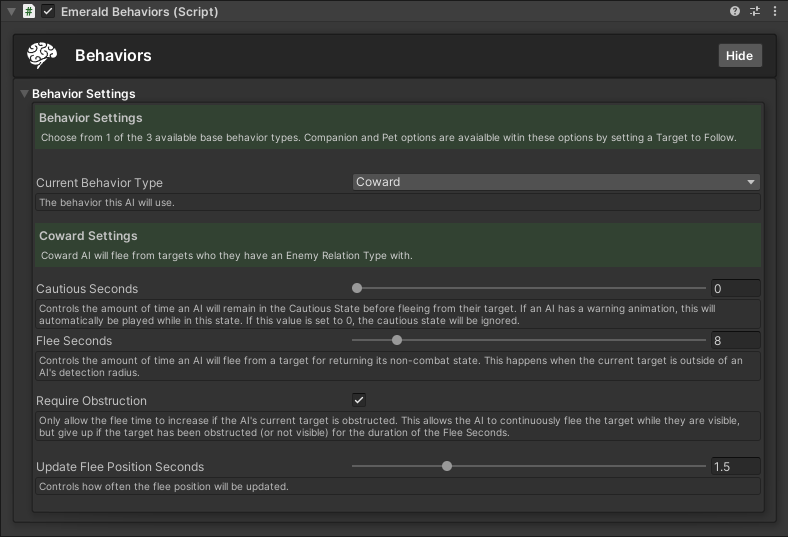
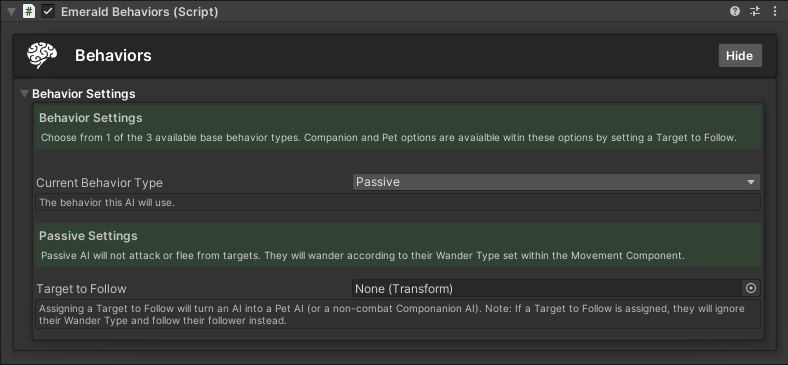
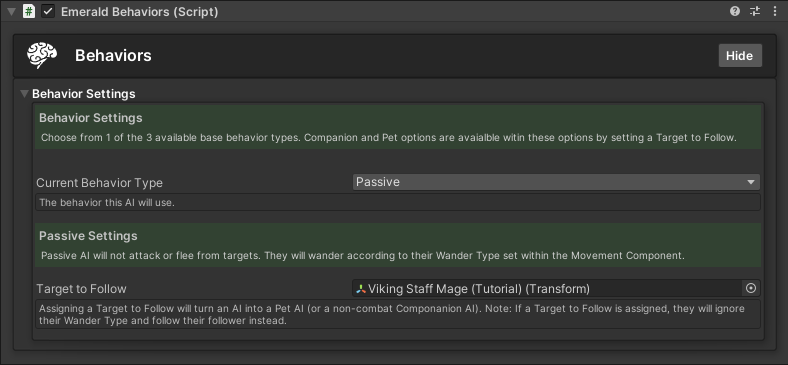
The Behavior Component is what controls how an AI will react to detected targets. There are 3 base behavior types. These include Aggressive, Coward, and Passive. Each behavior has certain settings to give more control over an AI's behavior and how it will react to its detected targets.&#x20;

{% hint style="success" %}
Here are the available tutorials and guides for the Behaviors Component.
{% endhint %}

<table data-view="cards"><thead><tr><th></th><th></th><th></th><th data-hidden data-card-target data-type="content-ref"></th><th data-hidden data-card-cover data-type="files"></th></tr></thead><tbody><tr><td></td><td> Creating an Aggressive AI</td><td></td><td><a href="behaviors-component/creating-an-aggressive-ai">creating-an-aggressive-ai</a></td><td><a href="https://content.gitbook.com/content/v03IiZPaMe8fX49a9MnO/blobs/Myg2lPRCmsjVahi1pSis/AggressiveBehavior.png">AggressiveBehavior.png</a></td></tr><tr><td></td><td>  Creating a Companion AI</td><td></td><td><a href="behaviors-component/creating-a-companion-ai">creating-a-companion-ai</a></td><td><a href="https://content.gitbook.com/content/v03IiZPaMe8fX49a9MnO/blobs/yBtSzU3PZCVap7TQWSLp/CompanionAIFollowerTarget.png">CompanionAIFollowerTarget.png</a></td></tr><tr><td></td><td>   Creating a Cautious AI</td><td></td><td><a href="behaviors-component/creating-a-cautious-ai">creating-a-cautious-ai</a></td><td><a href="https://content.gitbook.com/content/v03IiZPaMe8fX49a9MnO/blobs/CobRPoixxOv57wxSfCqG/CautiousBehavior.png">CautiousBehavior.png</a></td></tr><tr><td></td><td>    Creating a Coward AI</td><td></td><td><a href="behaviors-component/creating-a-coward-ai">creating-a-coward-ai</a></td><td><a href="https://content.gitbook.com/content/v03IiZPaMe8fX49a9MnO/blobs/IQ9YlDRlLHifoMrx7OCz/CowardBehavior.png">CowardBehavior.png</a></td></tr><tr><td></td><td>    Creating a Passive AI</td><td></td><td><a href="behaviors-component/creating-a-passive-ai">creating-a-passive-ai</a></td><td><a href="https://content.gitbook.com/content/v03IiZPaMe8fX49a9MnO/blobs/tol9zjzlGWIN1cyTqjSf/PassiveBehavior.png">PassiveBehavior.png</a></td></tr><tr><td></td><td>       Creating a Pet AI</td><td></td><td><a href="behaviors-component/creating-a-pet-ai">creating-a-pet-ai</a></td><td><a href="https://content.gitbook.com/content/v03IiZPaMe8fX49a9MnO/blobs/zKbOzp0UYF1oUmlNzQjA/PetBehavior.png">PetBehavior.png</a></td></tr></tbody></table>


---

# Agent Instructions: Querying This Documentation

If you need additional information that is not directly available in this page, you can query the documentation dynamically by asking a question.

Perform an HTTP GET request on the current page URL with the `ask` query parameter:

```
GET https://black-horizon-studios.gitbook.io/emerald-ai-wiki/emerald-components-required/behaviors-component.md?ask=<question>
```

The question should be specific, self-contained, and written in natural language.
The response will contain a direct answer to the question and relevant excerpts and sources from the documentation.

Use this mechanism when the answer is not explicitly present in the current page, you need clarification or additional context, or you want to retrieve related documentation sections.