# Animation Viewer Manager

<figure><img src="/files/CcFLQxXZSOn7wVoxF4yn" alt=""><figcaption></figcaption></figure>

## Using the Animation Viewer

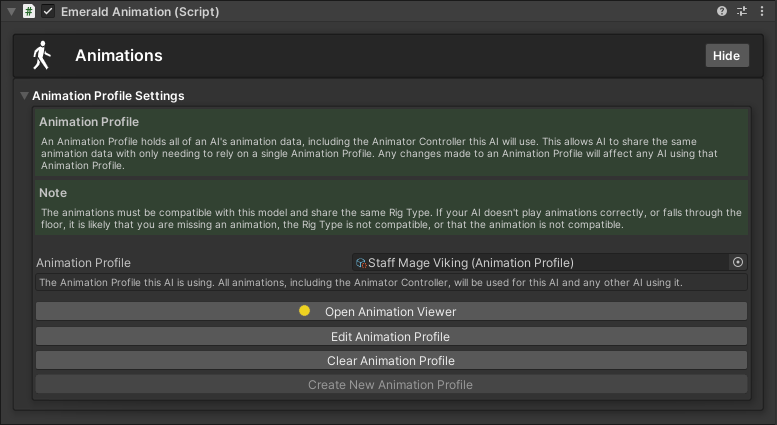
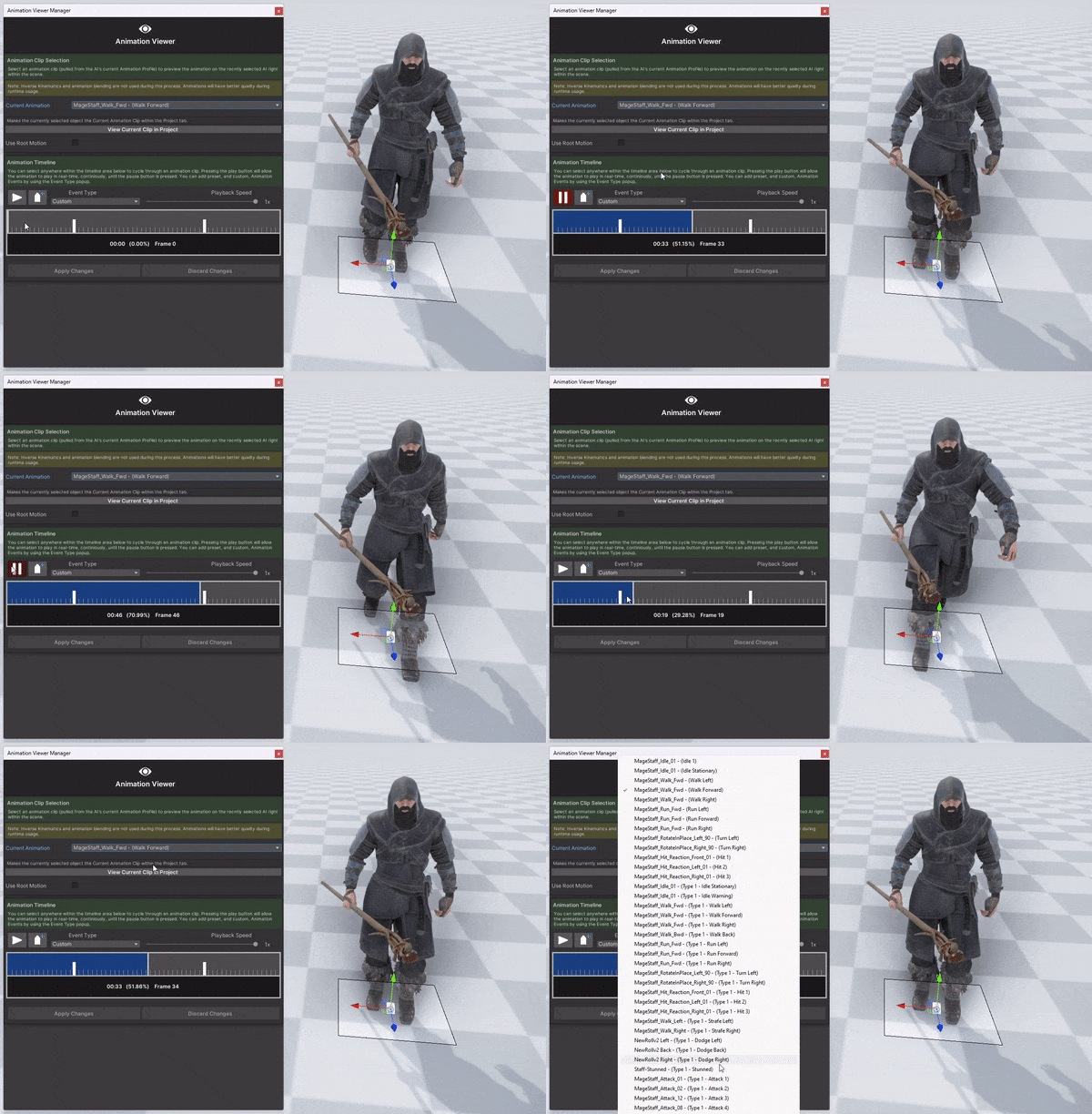
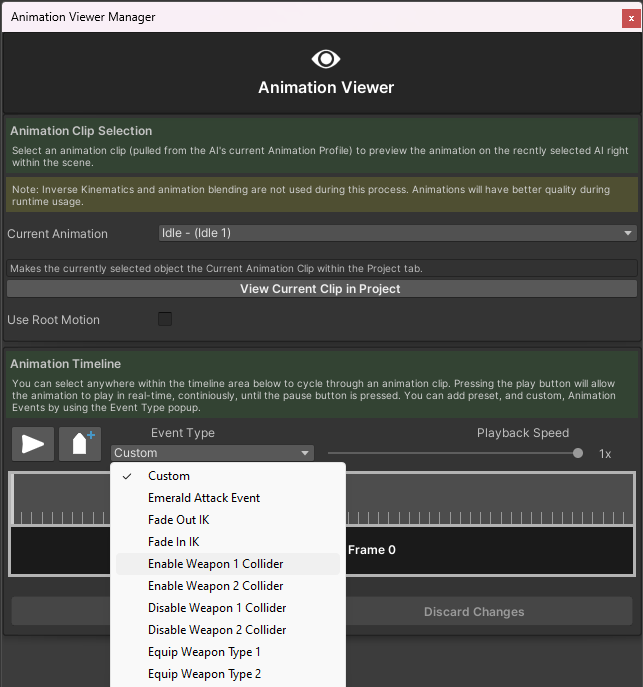
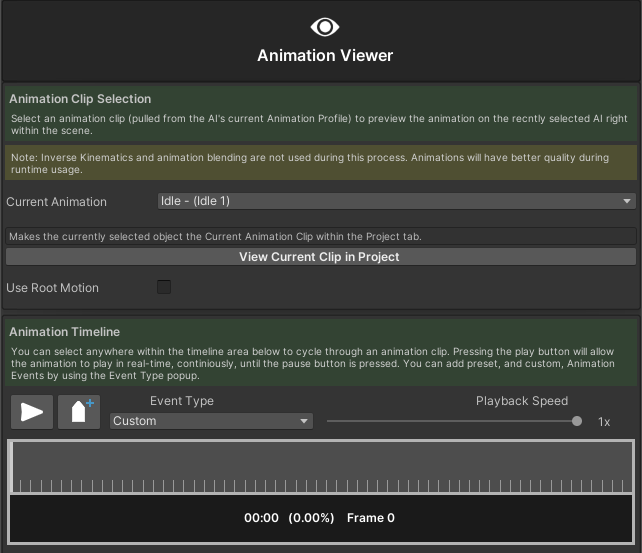
The Animation Viewer is a tool that allows users to preview an AI's animations in real-time right within their scenes. It also allows users to set up Animation Events on the selected animations without having to refer to an AI's animation files. The Animation Viewer will only take animations from an AI's currently applied Animation Profile. This all reduces the time to set up and makes creating and managing AI much easier.

{% hint style="success" %}
Here are the available tutorials and guides for the Animation Viewer Manager.
{% endhint %}

<table data-view="cards"><thead><tr><th></th><th></th><th></th><th data-hidden data-card-cover data-type="files"></th><th data-hidden data-card-target data-type="content-ref"></th></tr></thead><tbody><tr><td></td><td><p>           Opening the </p><p>      Animation Viewer</p></td><td></td><td><a href="/files/qyO41bYodqlqEmSXqyAn">/files/qyO41bYodqlqEmSXqyAn</a></td><td><a href="/pages/jph3VQKgrnGGUiKi749w">/pages/jph3VQKgrnGGUiKi749w</a></td></tr><tr><td></td><td>   Previewing Animations</td><td></td><td><a href="/files/kfo03S7vSKkcSjYLN3fB">/files/kfo03S7vSKkcSjYLN3fB</a></td><td><a href="/pages/SX2Hqktct1vGfhsY4HOQ">/pages/SX2Hqktct1vGfhsY4HOQ</a></td></tr><tr><td></td><td><p>   Creating and Applying    </p><p>       Animation Events</p></td><td></td><td><a href="/files/Uv4XI4dnr7TWjX00AtTc">/files/Uv4XI4dnr7TWjX00AtTc</a></td><td><a href="/pages/DCszEpcE2S5lQ7tqHmxz">/pages/DCszEpcE2S5lQ7tqHmxz</a></td></tr></tbody></table>


---

# Agent Instructions: Querying This Documentation

If you need additional information that is not directly available in this page, you can query the documentation dynamically by asking a question.

Perform an HTTP GET request on the current page URL with the `ask` query parameter:

```
GET https://black-horizon-studios.gitbook.io/emerald-ai-wiki/emerald-managers/animation-viewer-manager.md?ask=<question>
```

The question should be specific, self-contained, and written in natural language.
The response will contain a direct answer to the question and relevant excerpts and sources from the documentation.

Use this mechanism when the answer is not explicitly present in the current page, you need clarification or additional context, or you want to retrieve related documentation sections.