> For the complete documentation index, see [llms.txt](https://black-horizon-studios.gitbook.io/emerald-ai-wiki/llms.txt). Markdown versions of documentation pages are available by appending `.md` to page URLs; this page is available as [Markdown](https://black-horizon-studios.gitbook.io/emerald-ai-wiki/emerald-profiles-and-objects/animation-profile.md).

# Animation Profile

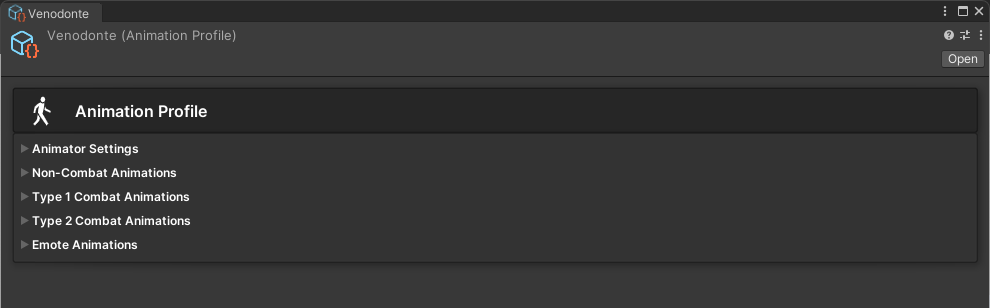
<figure><img src="/files/qXqgaiWRKiIeE3mekO2C" alt=""><figcaption><p>The Emerald Animation Profile. Pressing the foldout areas will expand its options.</p></figcaption></figure>

## Using the Animation Profile

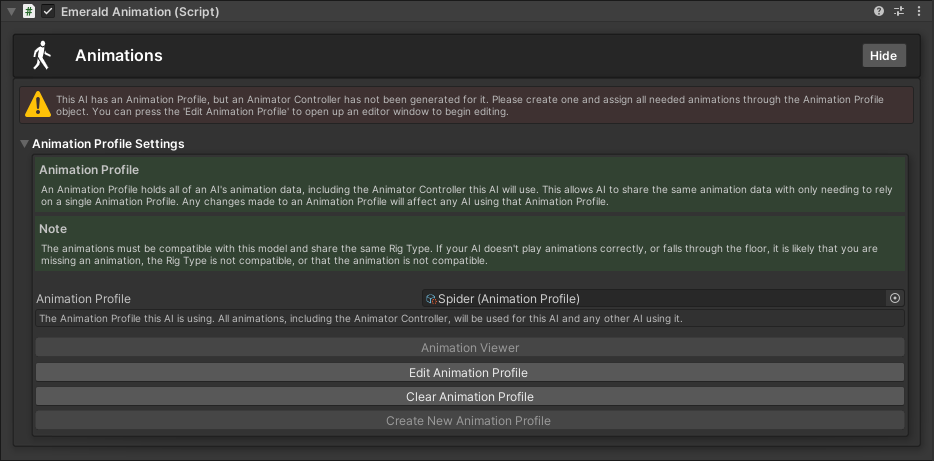
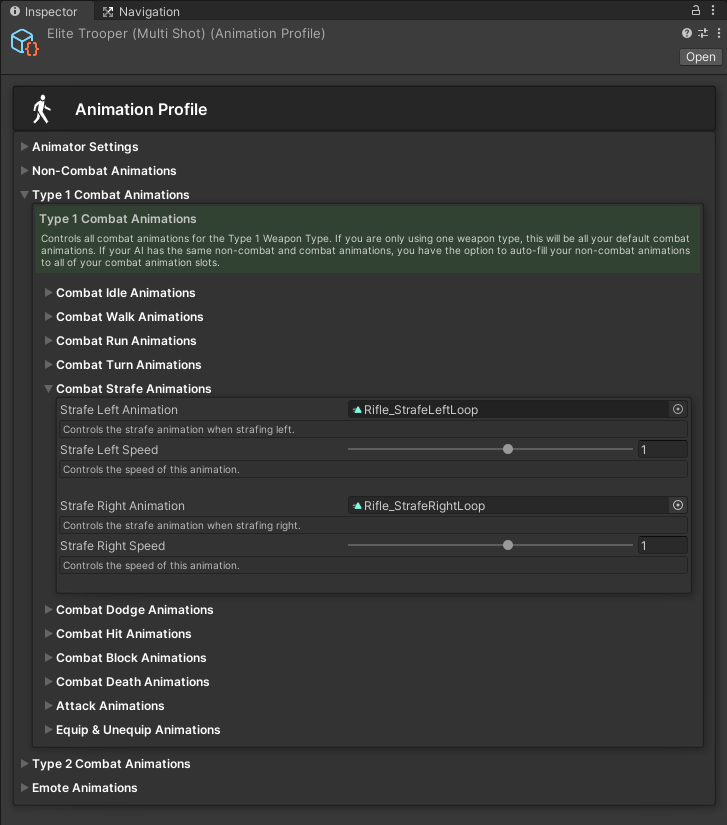
An Animation Profile is a scriptable object that holds animation data. This allows it to be shared with multiple AI and allows any changes to be made globally to any other AI using it.

{% hint style="success" %}
Here are the available tutorials and guides for the Animation Profile.
{% endhint %}

<table data-view="cards"><thead><tr><th></th><th></th><th></th><th data-hidden data-card-cover data-type="files"></th><th data-hidden data-card-target data-type="content-ref"></th></tr></thead><tbody><tr><td></td><td><p>           Creating an </p><p>      Animator Controller</p></td><td></td><td><a href="/files/jFZBYMoUt0nWywpFg9WK">/files/jFZBYMoUt0nWywpFg9WK</a></td><td><a href="/pages/bMgW6qMILria9gtc6COP">/pages/bMgW6qMILria9gtc6COP</a></td></tr><tr><td></td><td>     Applying Animations</td><td></td><td><a href="/files/mW9ig8tsUCoUjKHDGkp4">/files/mW9ig8tsUCoUjKHDGkp4</a></td><td><a href="/pages/3Nx2FadOwdebN8myg1uT">/pages/3Nx2FadOwdebN8myg1uT</a></td></tr><tr><td></td><td><p>            Regenerating </p><p>      Animator Controllers</p></td><td></td><td><a href="/files/oLoCuJ87THHqYryIgjRF">/files/oLoCuJ87THHqYryIgjRF</a></td><td></td></tr><tr><td></td><td><p>                   Copying</p><p>      Animator Controllers</p></td><td></td><td><a href="/files/Qjnml3RYO8y9CzRNZ6G1">/files/Qjnml3RYO8y9CzRNZ6G1</a></td><td></td></tr></tbody></table>