# Setting up the Optimization Component
### Skinned Mesh Renderer
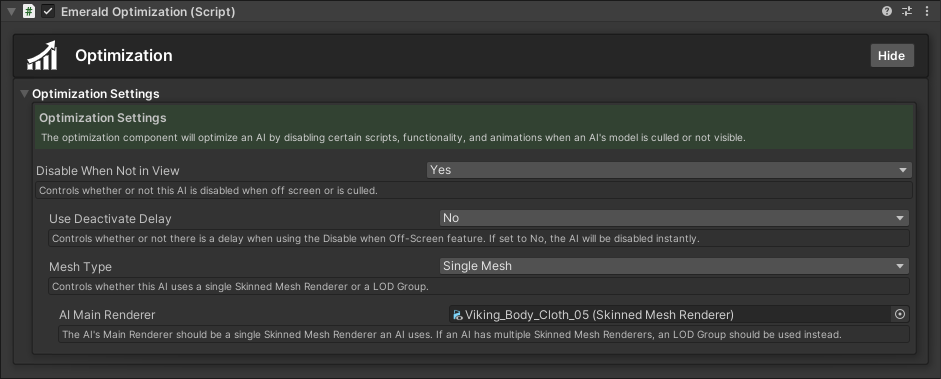
After you have assigned the Optimization Component to your AI, you will need to assign a renderer. For AI who use a single Skinned Mesh Renderer for their model, the Single Mesh Mesh Type should be used.
### LOD Group
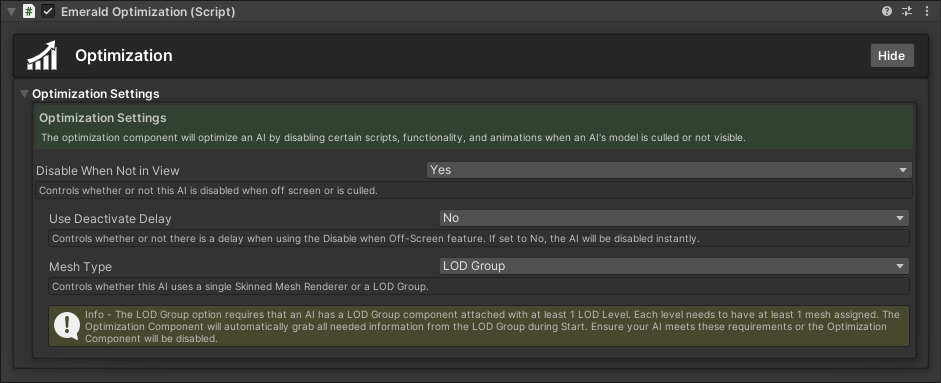
For AI that use multiple Skinned Mesh Renderers, the LOD Group Mesh Type should be used. The LOD Group option requires that an AI has a [LOD Group Component](https://docs.unity3d.com/Manual/class-LODGroup.html) attached with at least 1 LOD Level. Each level needs to have at least 1 mesh assigned. The Optimization Component will automatically grab all needed information from the LOD Group during Start. Ensure your AI meets these requirements or the Optimization Component will be disabled.