> For the complete documentation index, see [llms.txt](https://black-horizon-studios.gitbook.io/emerald-ai-wiki/llms.txt). Markdown versions of documentation pages are available by appending `.md` to page URLs; this page is available as [Markdown](https://black-horizon-studios.gitbook.io/emerald-ai-wiki/emerald-components-required/sounds-component.md).
# Sounds Component
## Using the Sounds Component
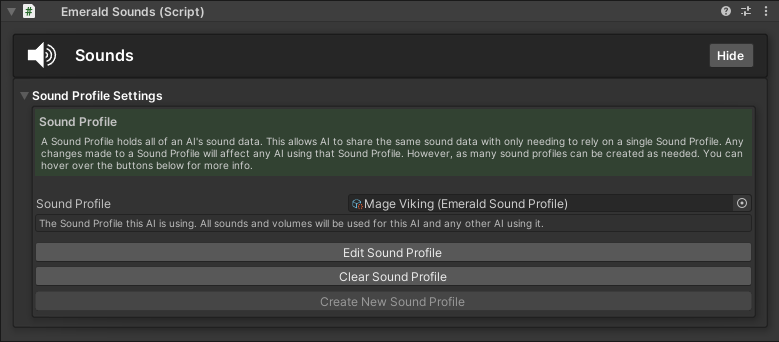
The Sounds Component holds a [Sound Profile](/emerald-ai-wiki/emerald-profiles-and-objects/sound-profile.md) which holds all of an AI's sound data. This allows AI to share the same sound data with only needing to rely on a single Sound Profile. Any changes made to a Sound Profile will affect any AI using that Sound Profile. However, as many sound profiles can be created as needed.
{% hint style="success" %}
Here are the available tutorials and guides for the Sounds Component.
{% endhint %}