# Animation Viewer Manager

<figure><img src="https://content.gitbook.com/content/v03IiZPaMe8fX49a9MnO/blobs/OyHVGlJAZHOI7mEEb4ze/AnimationViewerUpdated.png" alt=""><figcaption></figcaption></figure>

## Using the Animation Viewer

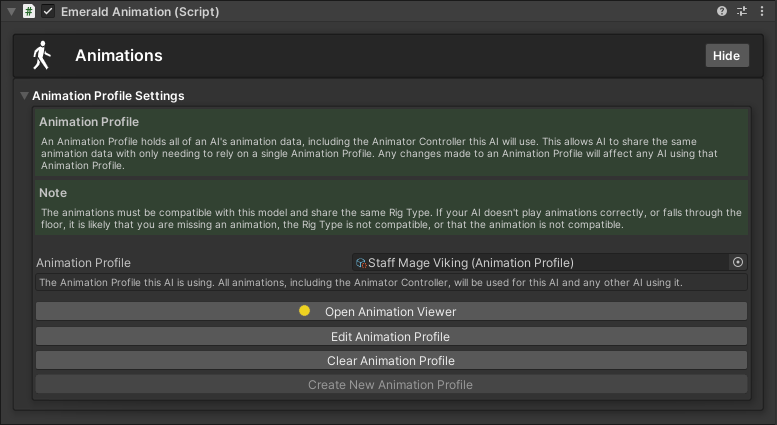
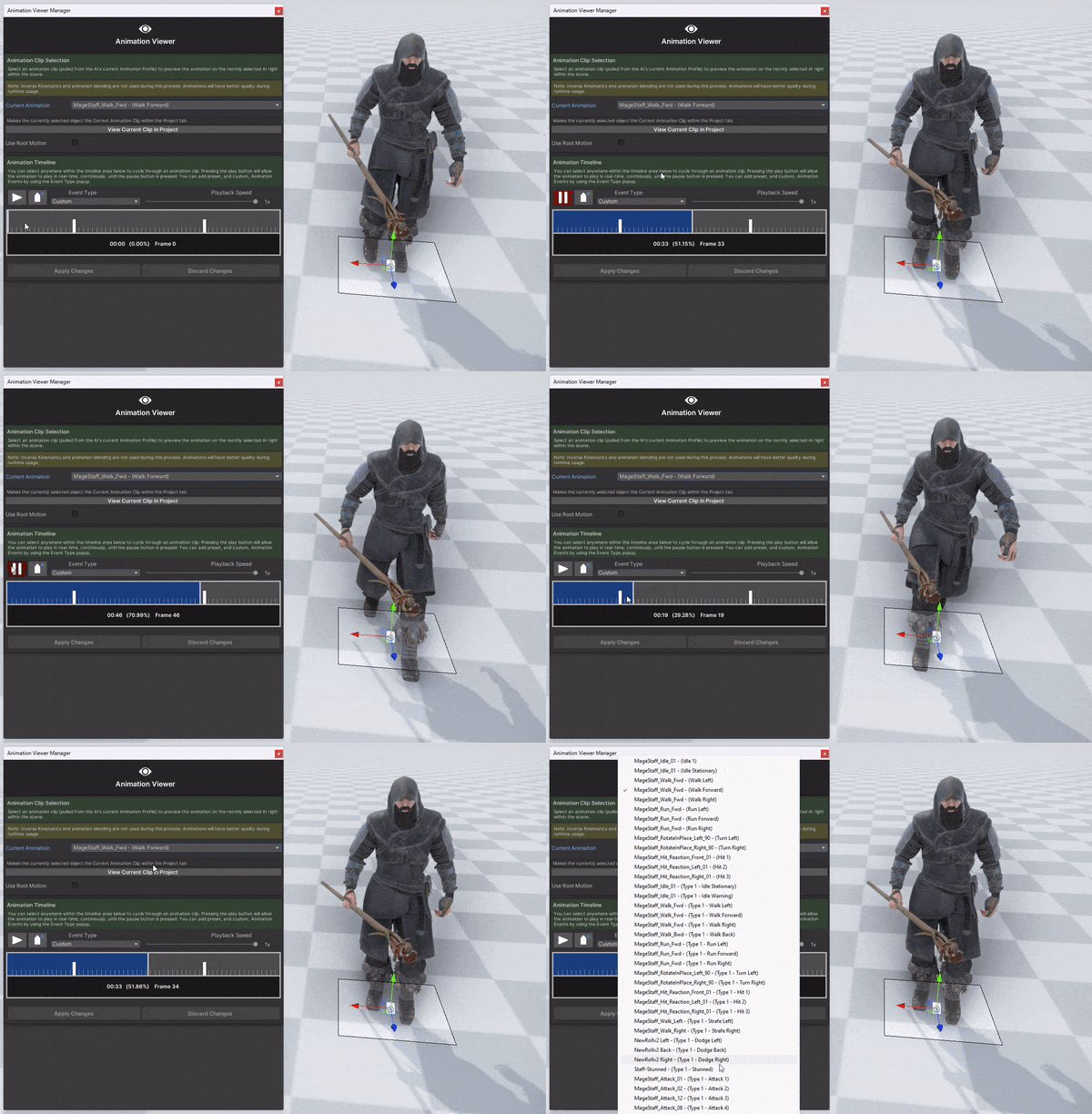
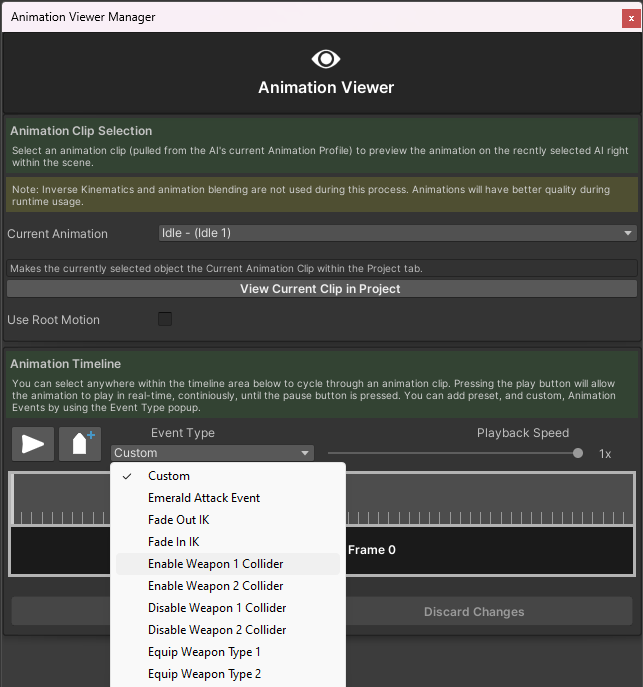
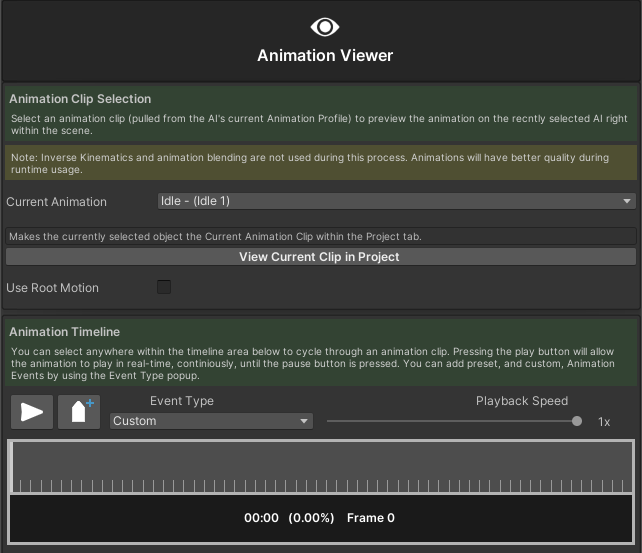
The Animation Viewer is a tool that allows users to preview an AI's animations in real-time right within their scenes. It also allows users to set up Animation Events on the selected animations without having to refer to an AI's animation files. The Animation Viewer will only take animations from an AI's currently applied Animation Profile. This all reduces the time to set up and makes creating and managing AI much easier.

{% hint style="success" %}
Here are the available tutorials and guides for the Animation Viewer Manager.
{% endhint %}

<table data-view="cards"><thead><tr><th></th><th></th><th></th><th data-hidden data-card-cover data-type="files"></th><th data-hidden data-card-target data-type="content-ref"></th></tr></thead><tbody><tr><td></td><td><p>           Opening the </p><p>      Animation Viewer</p></td><td></td><td><a href="https://content.gitbook.com/content/v03IiZPaMe8fX49a9MnO/blobs/V4XN1QoNc6rwHbyNIRLQ/OpeningAnimationViewer.png">OpeningAnimationViewer.png</a></td><td><a href="animation-viewer-manager/opening-the-animation-viewer">opening-the-animation-viewer</a></td></tr><tr><td></td><td>   Previewing Animations</td><td></td><td><a href="https://content.gitbook.com/content/v03IiZPaMe8fX49a9MnO/blobs/wUGIpzhC78mECKnMkPe5/PreviewingAnimationsCover.gif">PreviewingAnimationsCover.gif</a></td><td><a href="animation-viewer-manager/previewing-animations">previewing-animations</a></td></tr><tr><td></td><td><p>   Creating and Applying    </p><p>       Animation Events</p></td><td></td><td><a href="https://content.gitbook.com/content/v03IiZPaMe8fX49a9MnO/blobs/L04ZEPlit99XxO8QZ5E6/AnimationEventsPresets.png">AnimationEventsPresets.png</a></td><td><a href="animation-viewer-manager/creating-and-applying-animation-events">creating-and-applying-animation-events</a></td></tr></tbody></table>