# AI Duplicator Manager

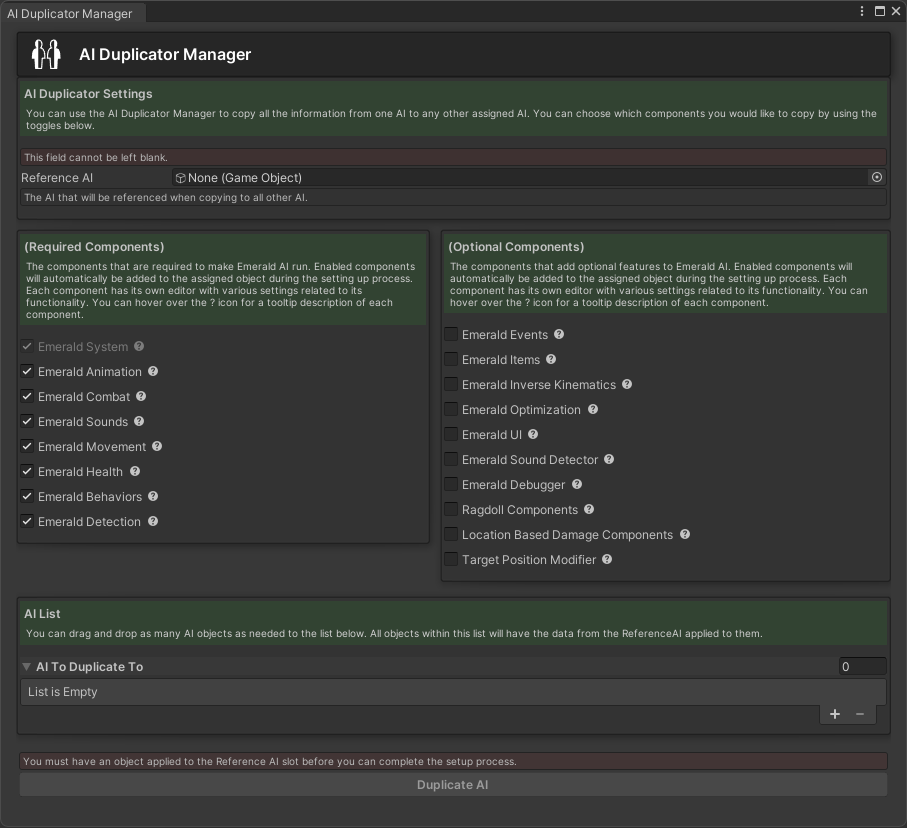
<figure><img src="https://content.gitbook.com/content/v03IiZPaMe8fX49a9MnO/blobs/5upMc5iuVnqQqmhzUXZz/AIDuplicatorUpdated.png" alt="" width="484"><figcaption><p>The Duplicator Manager Editor Window.</p></figcaption></figure>

## Using the AI Duplicator Manager

The AI Duplicator Manager is a powerful new tool that allows users to duplicate AI from a Reference AI. Users can customize which components will be copied by using the checkboxes. Each component has a description on its functionality as well as what the duplicator will be copying. The Duplicator Manager can be opened by pressing ctrl+shift+d or by going to Window>Emerald AI>Duplicator Manager within Unity.

{% hint style="success" %}
Here are the available tutorials and guides for the AI Duplicator Manager.
{% endhint %}
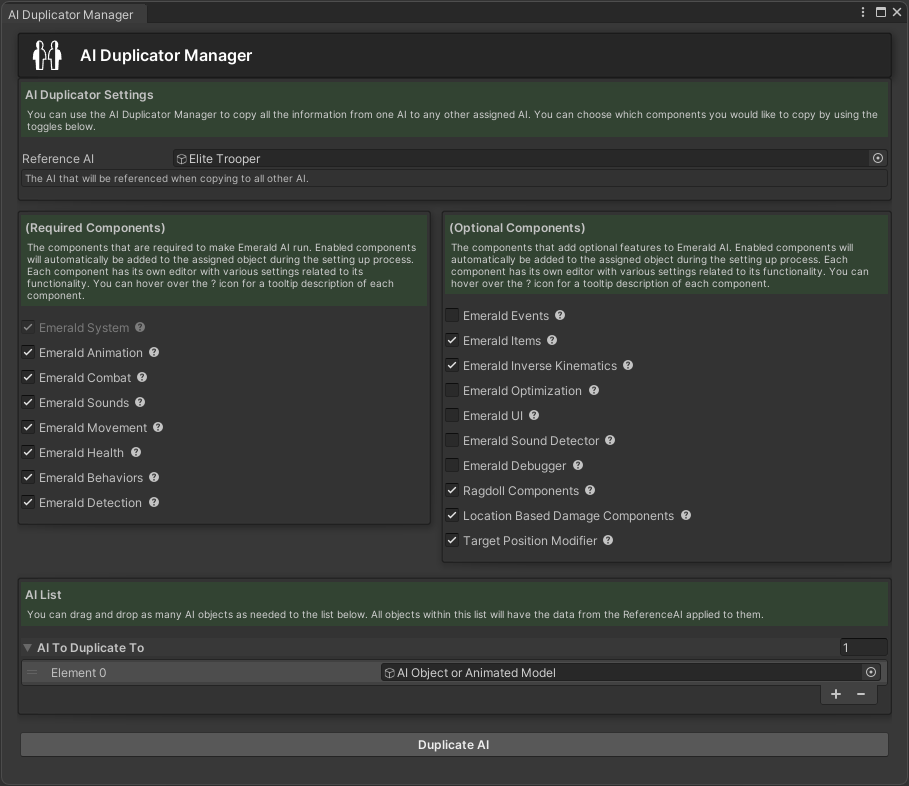
<table data-view="cards"><thead><tr><th></th><th></th><th></th><th data-hidden data-card-cover data-type="files"></th><th data-hidden data-card-target data-type="content-ref"></th></tr></thead><tbody><tr><td></td><td>       Duplicating an AI</td><td></td><td><a href="https://content.gitbook.com/content/v03IiZPaMe8fX49a9MnO/blobs/FHpBmlQ3R3G23hmr4ifW/DuplicateAISetup.png">DuplicateAISetup.png</a></td><td><a href="ai-duplicator-manager/duplicating-an-ai">duplicating-an-ai</a></td></tr></tbody></table>
